

For the operator
Focus on the machines — not the paperwork
As an operator you want to run your line well, not spend your time on forms, phone calls and complicated software. Trendlog gives you a simple snapshot of your line right now and a few big buttons to report what’s happening: new order, fault or stop, service needed, quality check. A few taps and back to the machine.
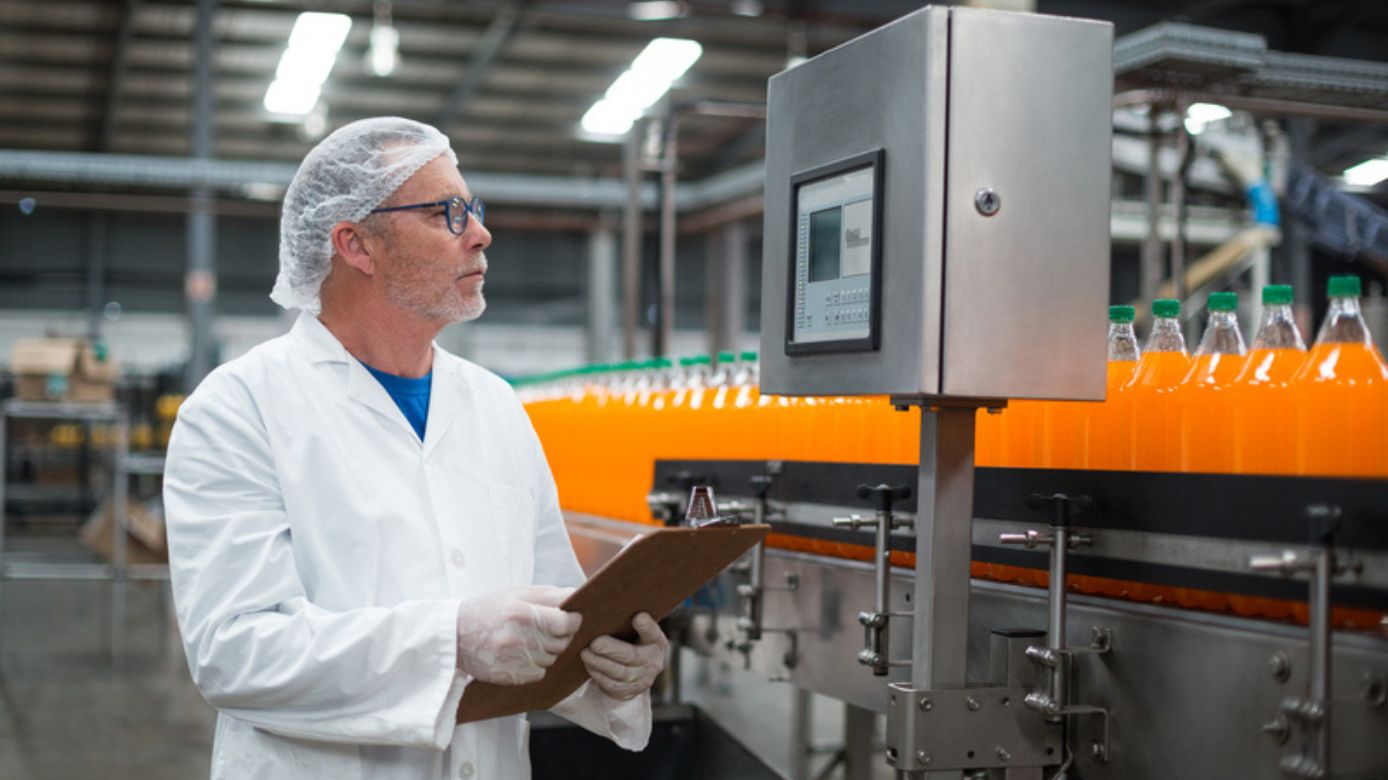
Have you ever been in these situations?
You spend time on forms and phone calls instead of on the line.
Forms, paperwork and phone calls steal time from what you’re really there for: keeping the line running and the machines going without needless stops.
When something breaks, it's unclear who to report it to — and how.
Something breaks and the hunt begins: who do you report it to, how are you meant to log it, and does the message even reach the right person?
The software is made for the office, not for noise, gloves and a busy line.
The software is built for a desk chair and a mouse — not for gloves, noise and a busy line, where you have seconds to spare and read the screen from a distance.
How to focus on production - not paperwork
Everything on one screen at the line: see status, report what’s happening, see the next order. You log things once — and then maintenance, quality, planning and management use the same data. Less paperwork for you, more overview for everyone.
One interface for simple reporting
TrendSTOP Operator panel
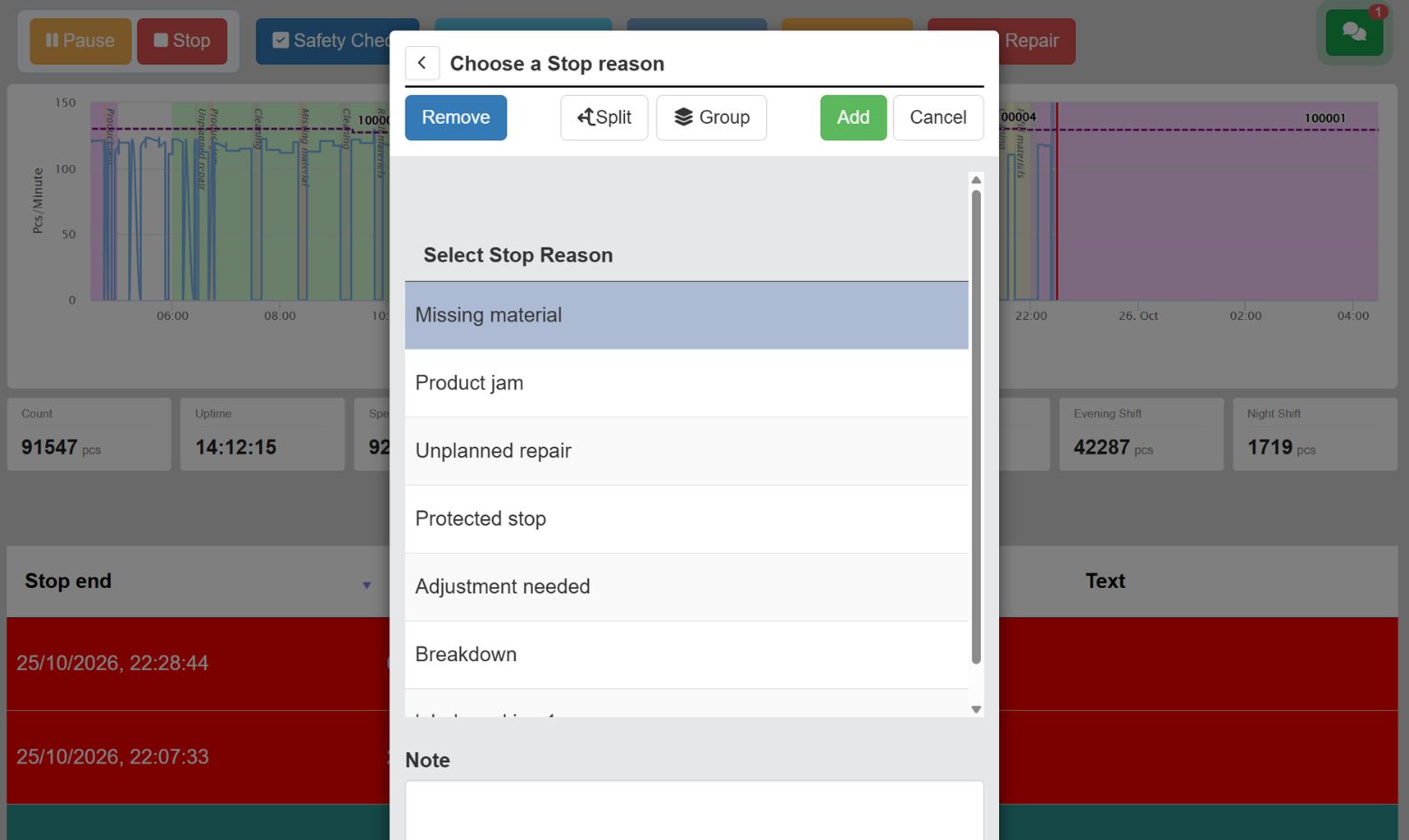
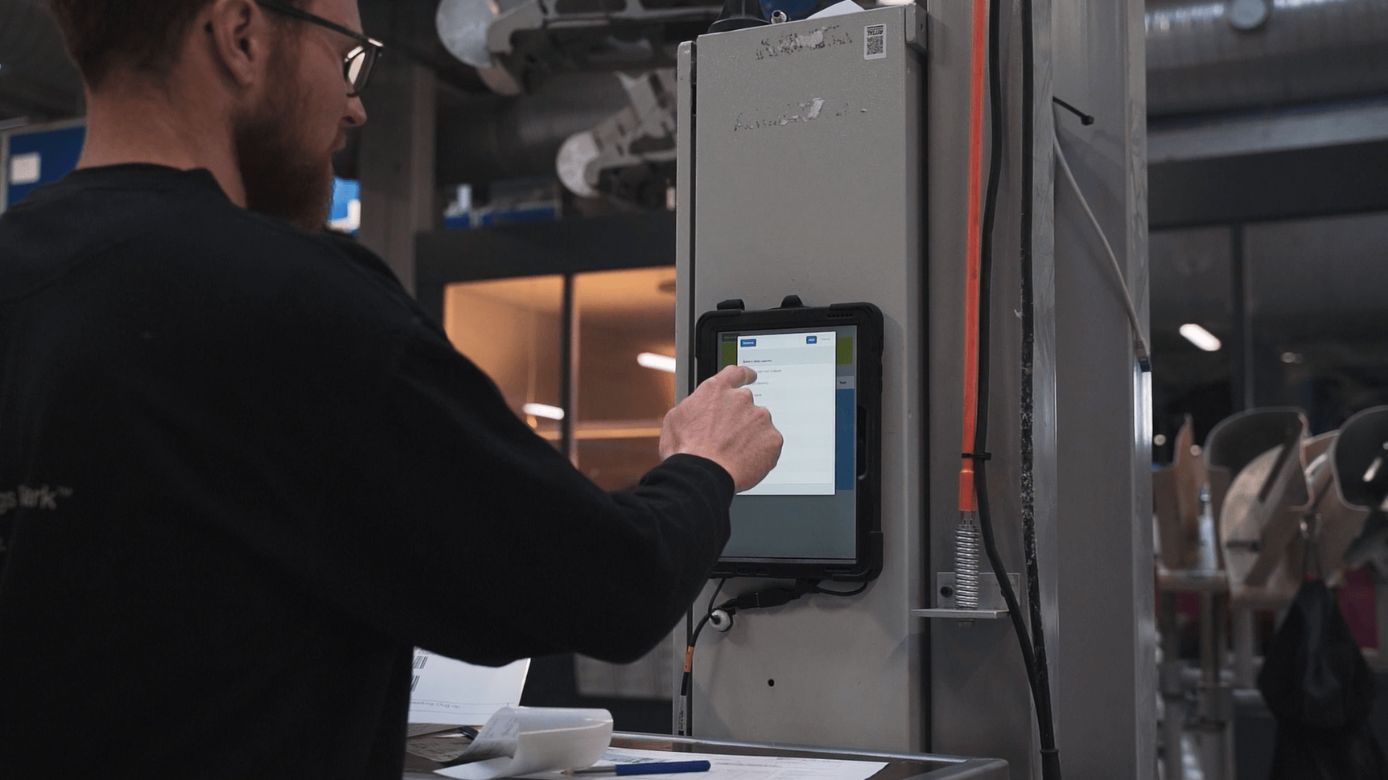
One simple panel on the screen at the line: how are we running right now, what’s the target, and big buttons to report a stop and pick its reason with one tap. Built for gloves, noise and speed — not for an office — with a few large fields and a screen you can read from a distance. You log the reason once and the rest happens automatically: the stop lands in the OEE number, and the right departments are notified. For the operator it means you can keep your focus on the machines instead of on paper and phone calls — and that your work is actually seen and logged correctly.
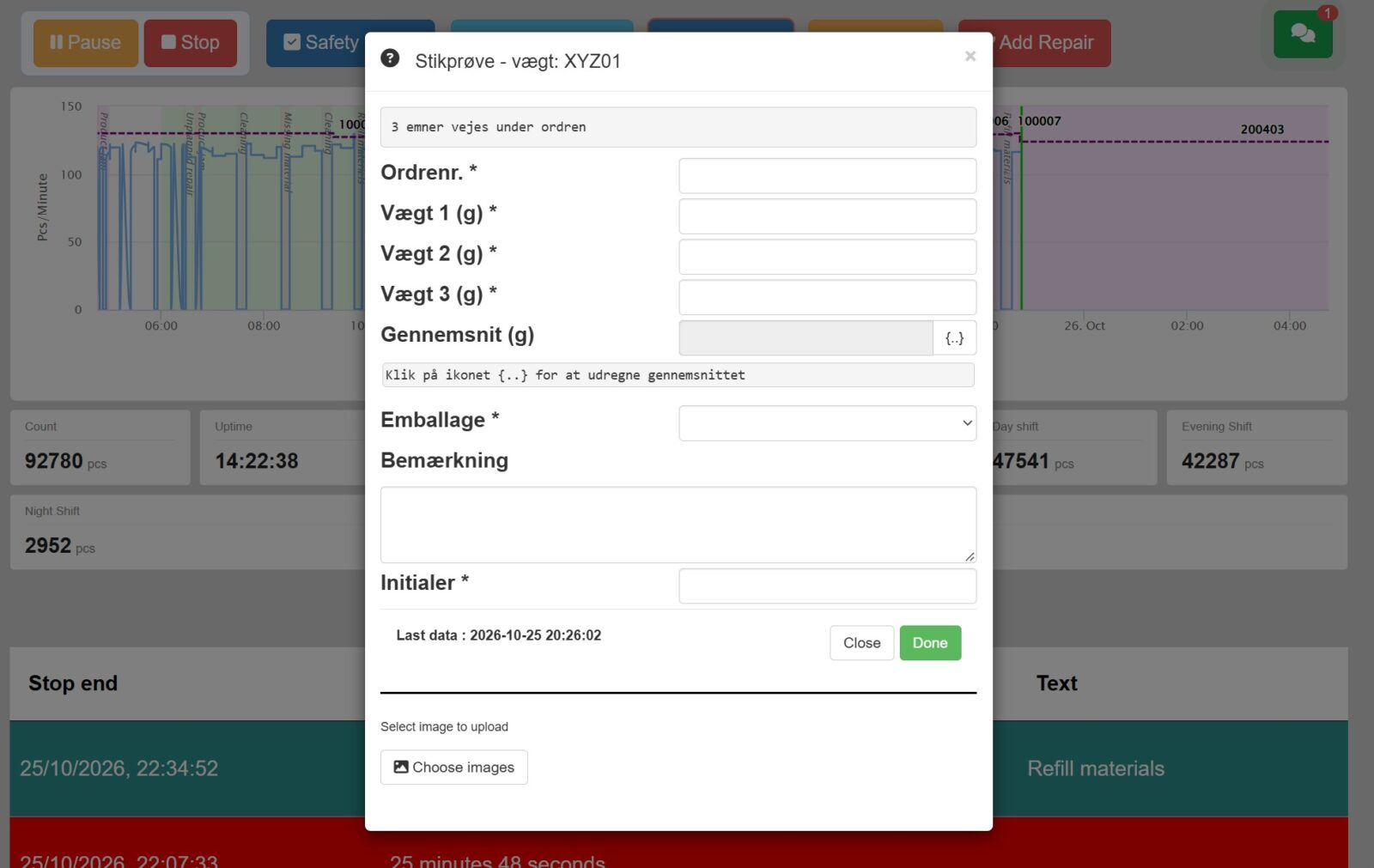
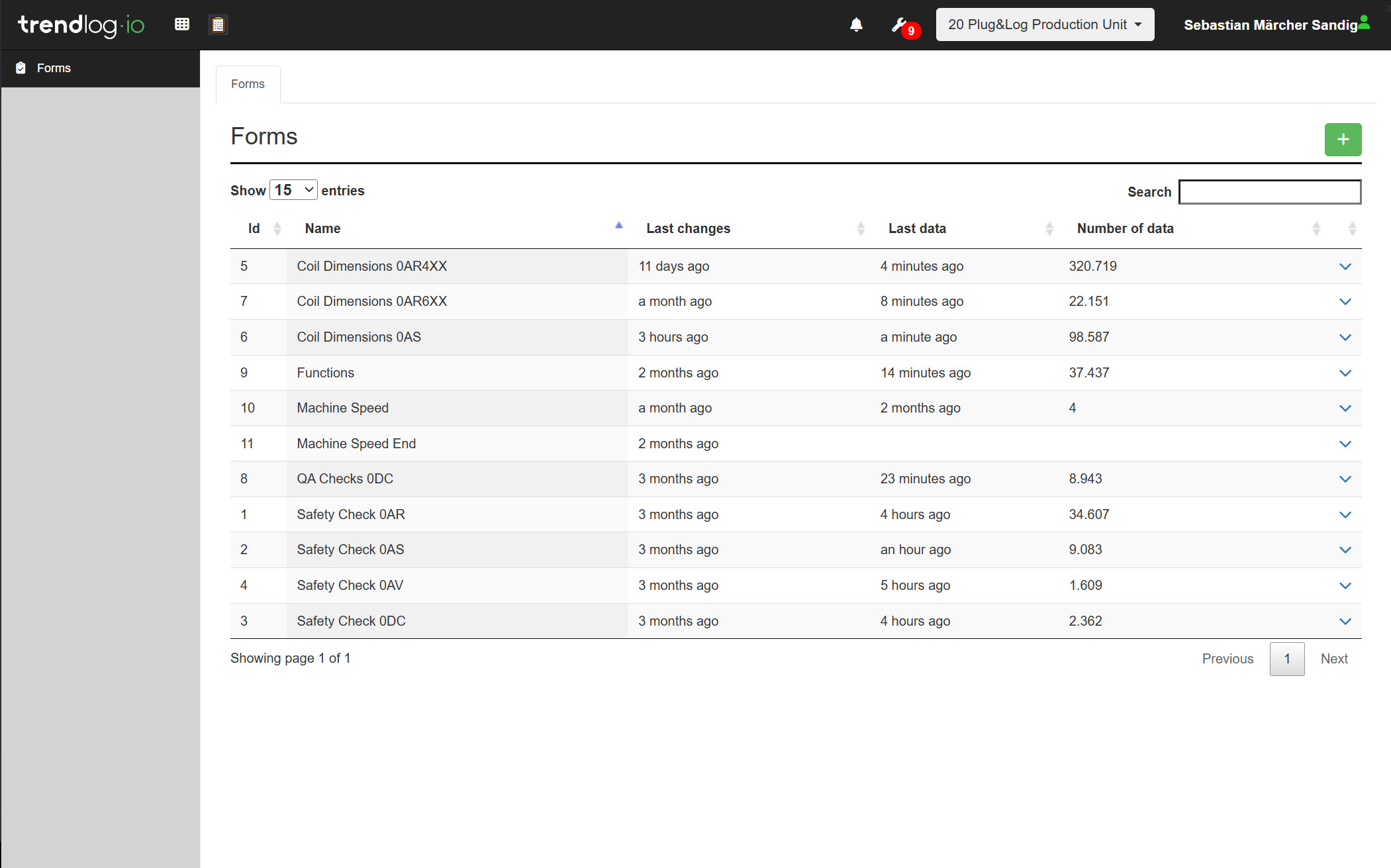
Digital quality forms for HACCP and inspections
TrendFORMS
Report a fault, a service need or a quality check straight from the line — few fields, big buttons, and the option to add a photo. No paper, and no hunting for the right person: the report goes on automatically to maintenance for a breakdown or to quality for a deviation. You don’t need to know who should get the message or how it should look — the system routes it. For the operator it removes the friction that otherwise makes reports drown: it takes seconds, and the record at the same time becomes timestamped documentation that quality and management can use.
Start new orders directly at the line
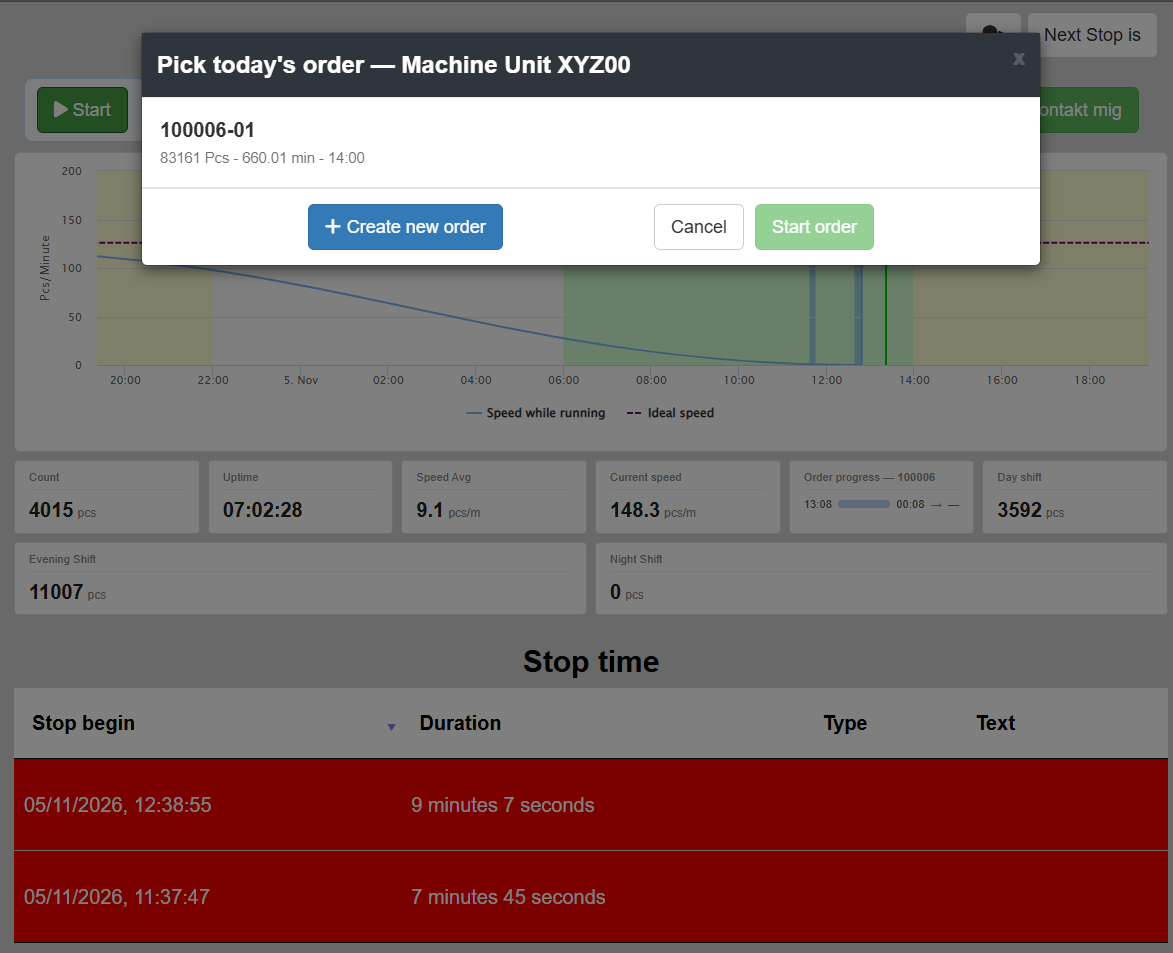
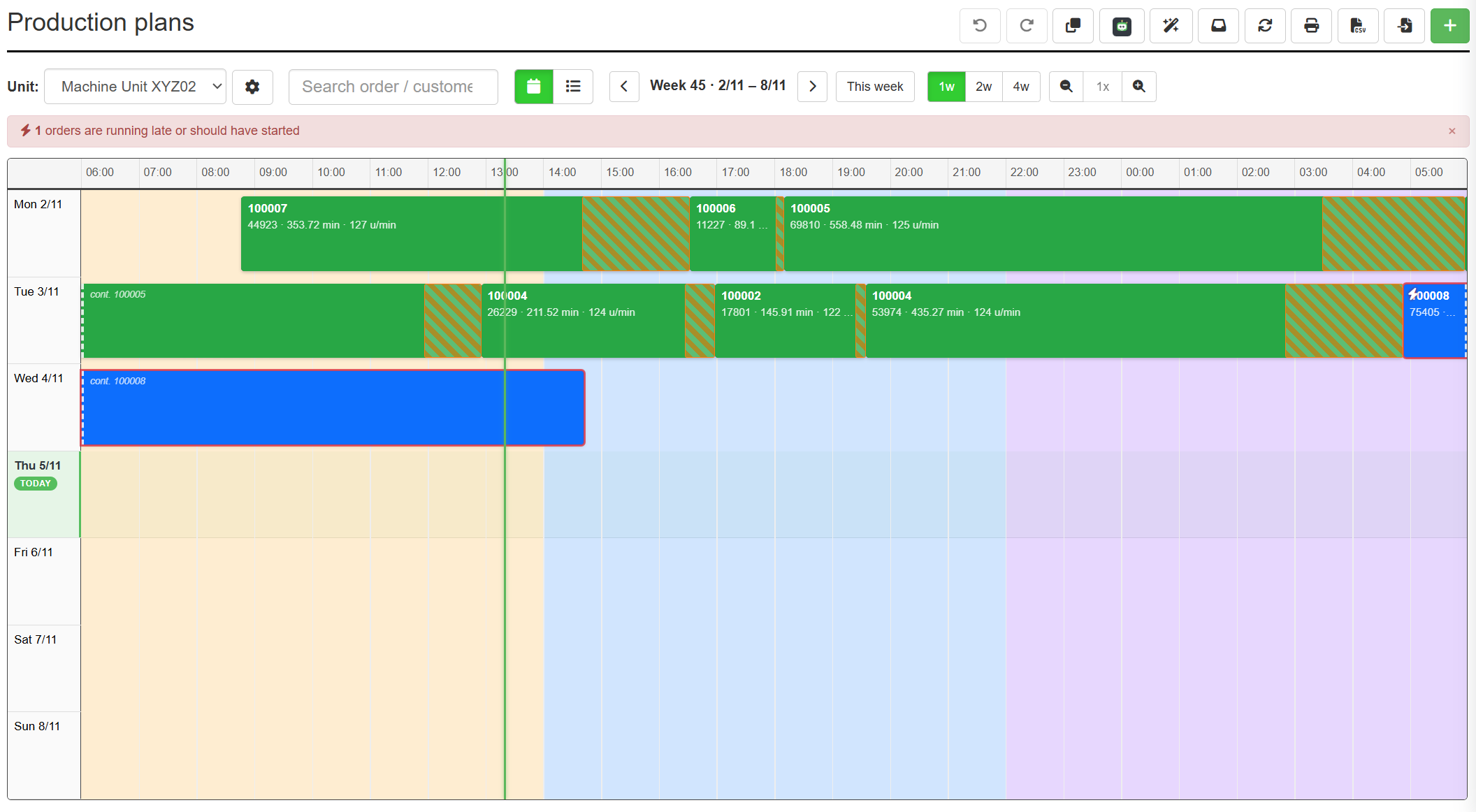
TrendPLAN
See which order is running and what’s next — right on the panel, without calling the planner. Confirm start and finish with one tap, so planning and management see status in real time without you having to report anything afterwards. You always know what you’re working on and what’s waiting, and the figures on how far the order has got match the reality on the floor. For the operator it means fewer interruptions and less doubt: the order, the target and the progress sit on the same screen as the stop and fault reports, so everything you need during the shift is gathered in one place.
How much time goes to paperwork in a shift?
When you report a stop, a quality check or a deviation from the line, it automatically becomes timestamped documentation — the same records quality and management need for IFS, BRCGS and ISO 9001.
There are no reports to write afterwards and no form to hunt for: the entry you made with one tap is the documentation.
You do your job once, and the paperwork does itself — so the time stays on the line where it belongs, and the audit trail is ready before the auditor even asks.

Frequently Asked Questions
Do I have to learn a complicated system?
No — the panel is built around a few big buttons and simple choices. Most operators are comfortable in minutes, not days. No heavy training.
What happens when I report a fault or a stop?
The report goes on to the right person automatically — maintenance for a breakdown, quality for a deviation. You don’t have to call around or find the right person. You report; the system routes it.
Am I being monitored with this?
The purpose is to make the machines’ performance visible — not the individual. The data is about lines, stops and orders, so you can run better together, and so your work is actually seen and logged correctly.
You report once — the whole factory benefits
What you tap on the line becomes maintenance work orders, quality documentation, planning status and management’s KPIs — all on the Trendlog Production Suite. You’re the start of the data chain, not the one drowning in it. Less paper on the floor, better overview across the whole plant.